AI photo pack Tinder

AI Tinder Photos That Get Attention Without Misrepresenting You

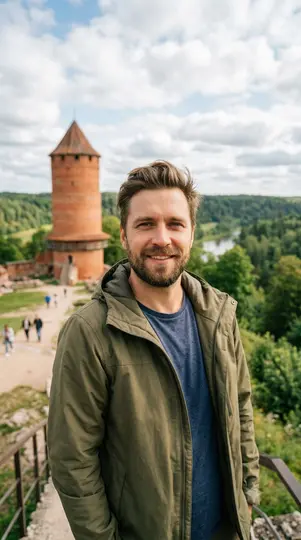
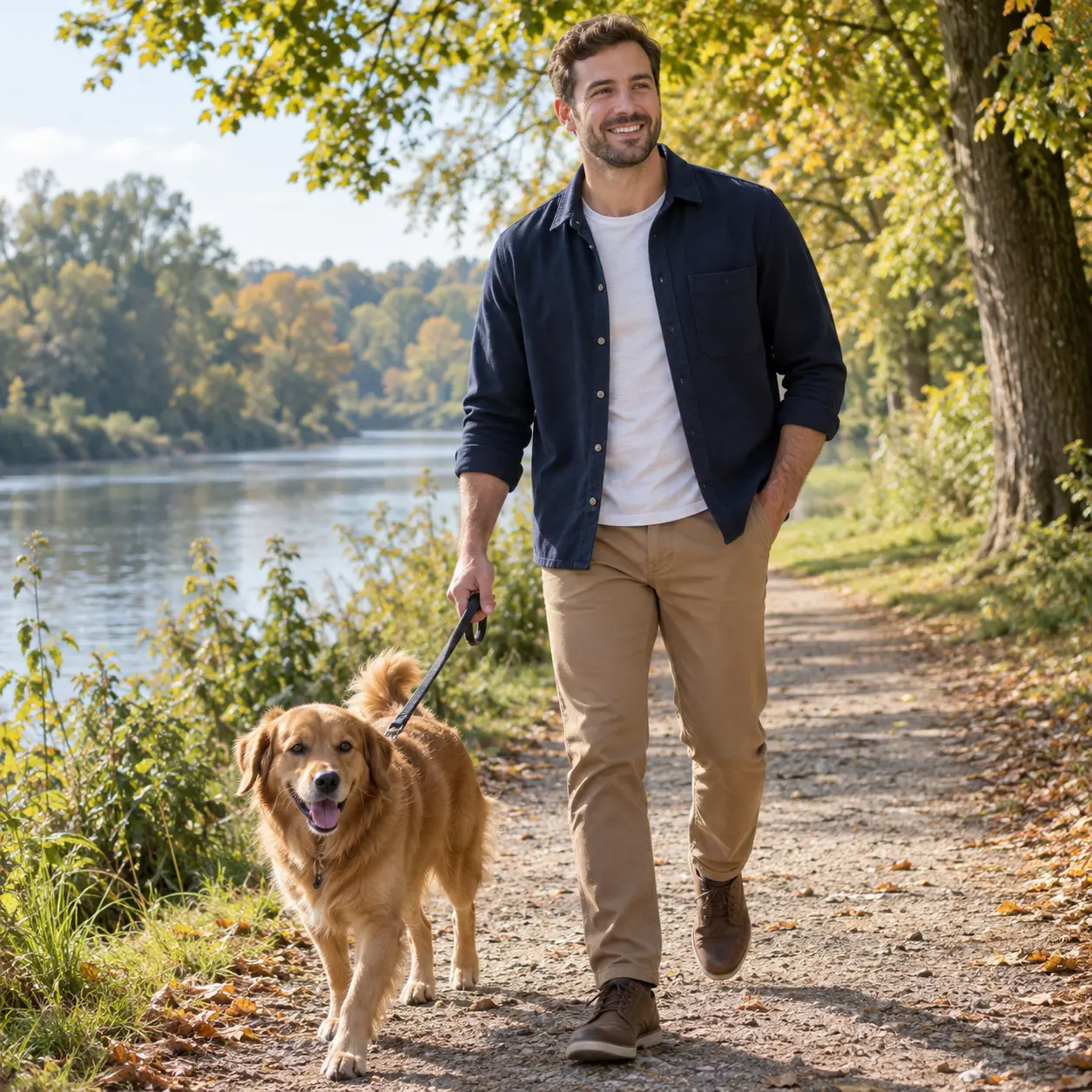
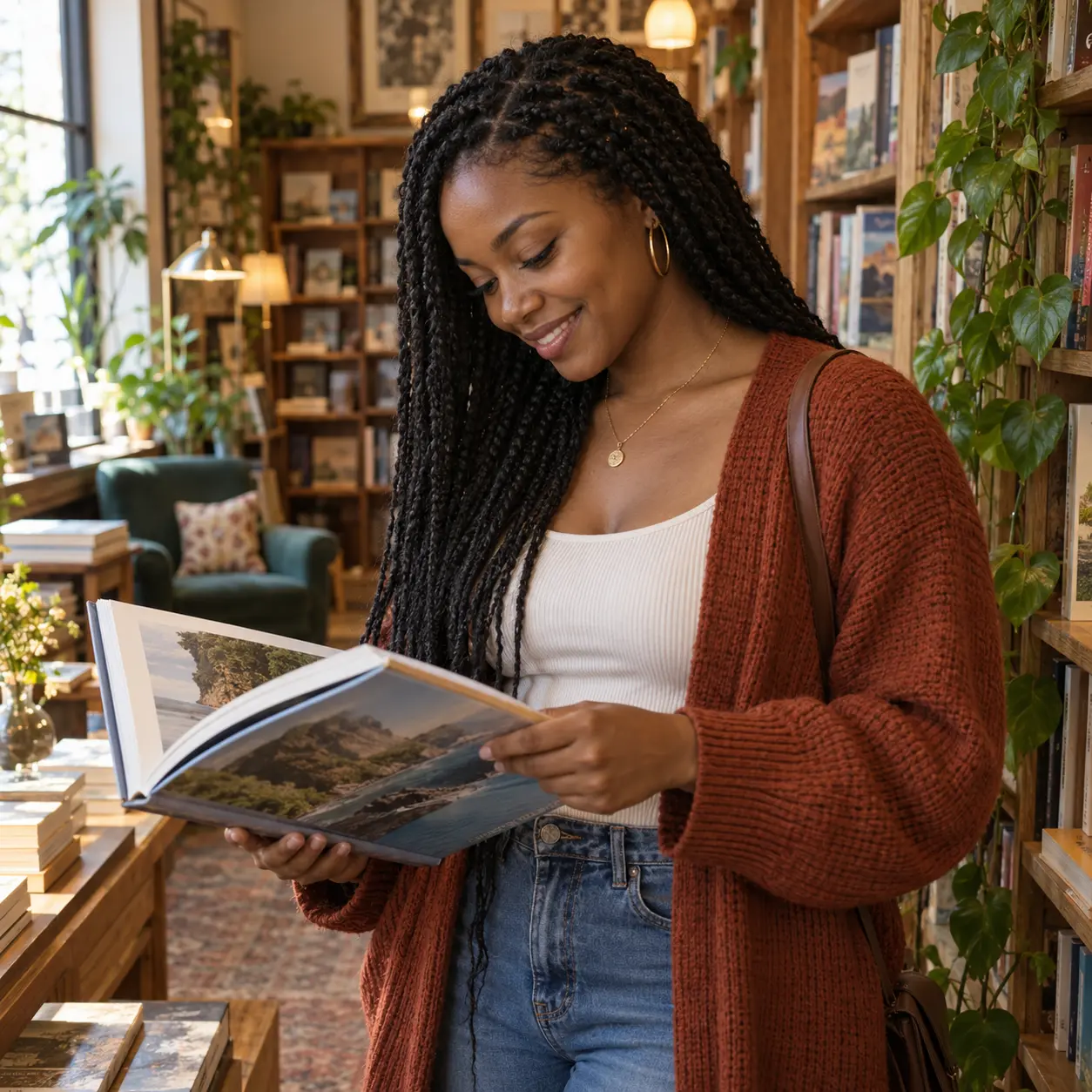
Build a more intentional Tinder photo set from pictures you already have. Create stronger first-photo portraits, casual lifestyle images and different settings while keeping your appearance realistic.

Your photo. Your new look.

Start with a clear portrait

Choose a front-facing photo with good lighting.

Choose a photo

Tinder pack
already selected

No studio needed Photo-based results

AI-generated examples. Results vary with your source photo.
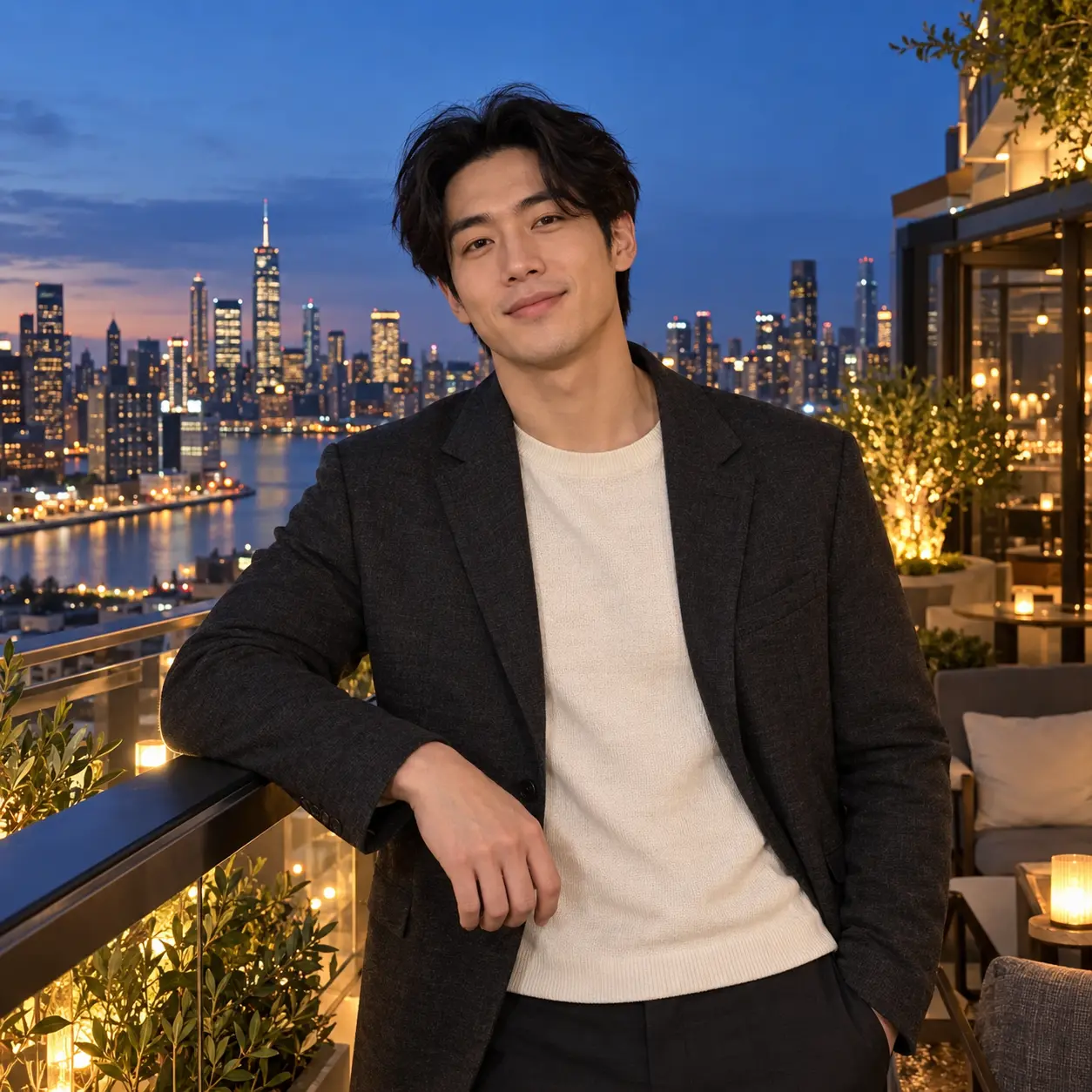
Tinder example 1 Tinder pack
A familiar face. A whole new look.

Not just a filter

You bring the face.
We set the scene.

What Makes an AI Tinder Photo Useful Instead of Misleading?

A useful AI Tinder photo solves a photography problem, not an identity problem. Better light, cleaner framing and more varied settings can improve a profile. Changing who the person appears to be creates a mismatch between online and offline expectations. Because Tinder is identity-sensitive, authenticity should be treated as part of image quality rather than as an optional extra.

On Tinder, the First Photo Has to Do More Work Than the Rest

The first Tinder image is often evaluated in a fraction of a second. It should make your face obvious, feel current and give the viewer no reason to wonder which person you are. The rest of the profile can add context and personality. AI helps when your existing photos are poorly lit, outdated or repetitive, but a generated profile should not become a fictional lifestyle. The strongest Tinder photos improve presentation while staying plausible enough for a real first meeting.

How it works

From everyday to extraordinary.

Three simple steps. No editing experience needed.

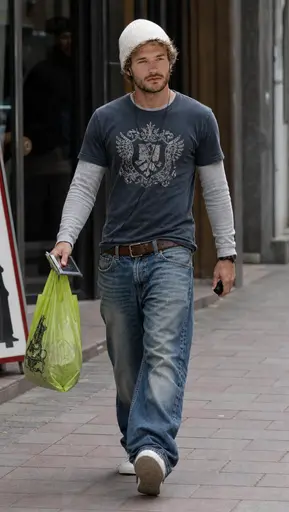
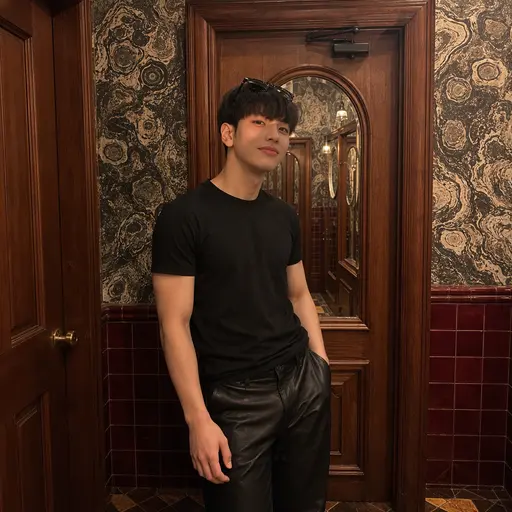
  1. Example portrait upload

    Step 1: Upload Your Photo

    First things first! Choose a photo of yourself that you like.

    For the best results, upload a clear selfie where your face is easy to see. Good lighting, a natural expression, and a front-facing pose can help AI create a better result.

  2. Tinder selected Original portrait Pack selected

    Step 2: Choose Your Style

    Ready to give your picture a makeover?

    Select the Tinder pack in PhotoAI. If you’re already on this page, it is selected for you.

    Then pick the look that suits you best.

  3. Tinder result

    Step 3: Generate and Preview Your Result

    Now comes the exciting part!

    Start the generation process and let PhotoAI create your result. When it is ready, take a look at your new picture.

    Happy with how it turned out? Download it using the available options and share it with friends or family.

A better starting point

Big ideas.
No big production.

Why Use AI for Tinder Profile Photos?

  1. Create a cleaner first-photo option when your current profile starts with a group shot, low-light selfie or heavily cropped image.

  2. Add visual variety so the profile shows more than one setting, outfit and side of your personality.

  3. Generate profile-ready options without asking friends to stage a dedicated dating-app photoshoot.

  4. Keep trust intact. AI should improve the photography problem — lighting, framing and context — without altering your identity beyond recognition.

A strong photo = a stronger result

Give your photo a good start.

  • Face the camera Use a clear portrait with your face unobstructed.
  • Keep the lighting simple Soft, even light makes your features easier to read.
  • Check the final details Look closely at faces, hands and edges.

Before you start

Good questions.
Clear answers.

AI Tinder Photos FAQ

A few things to know before you create yours.

What are AI generated Tinder photos?

AI generated Tinder photos are dating-profile images created from your own photos. They can improve lighting, background, styling and variety while keeping you as the subject.

Can AI Tinder photos look realistic?

Yes. Realistic source photos and restrained styling help, but you should still inspect facial and body consistency before using the image.

What should my first Tinder photo show?

Your face should be clear, recent and unobstructed. Avoid making the viewer identify you from a group or guess what you look like behind sunglasses.

Can I use AI Tinder photos from fake travel locations?

You can generate travel-style scenes, but using them to imply trips or experiences that never happened can make the profile misleading.

Should every Tinder photo be professionally polished?

No. A profile often feels more authentic when polished portraits are mixed with casual, believable lifestyle images.

How many selfies should I use on Tinder?

There is no fixed number, but a profile dominated by similar selfies gives less information than a varied set with different framing and context.

Can AI make me look better without catfishing?

Improving lighting, background and presentation can be reasonable. Changing facial structure, age, body shape or other core traits crosses into misleading territory.

Can I use Tinder AI photos on Bumble or Hinge?

Yes, if the images fit the profile format and remain accurate representations of you. Different apps may reward different photo ordering and prompts.

What mistakes make AI Tinder photos look fake?

Over-smoothed skin, inconsistent teeth, hands, jewelry, impossible reflections and exaggerated luxury settings are common warning signs.

How do I choose the best Tinder AI photo?

Choose the image that clearly shows your face, looks like your current real-world appearance and feels believable in the setting shown.

Other AI photo packages

Another side of you awaits.

Explore more photo packs