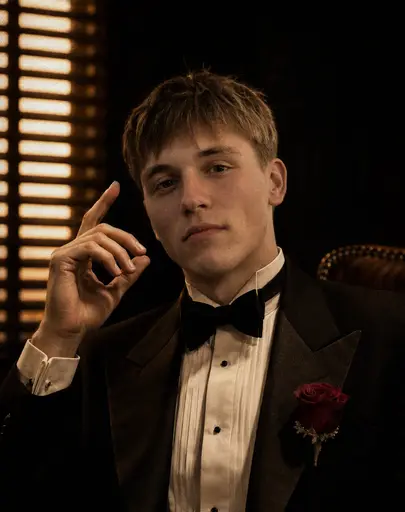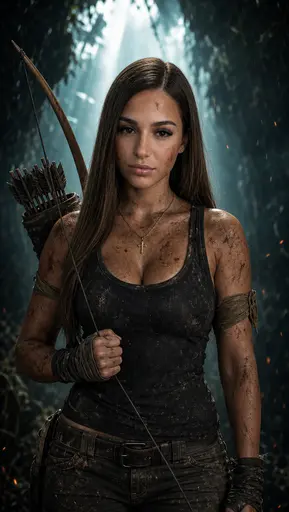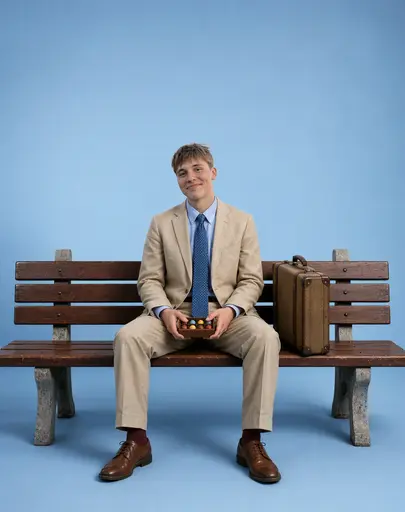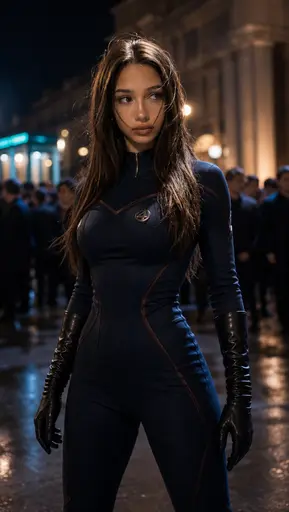

Photo AI Generator for AI Photos & Videos

1000+ AI photo and video effects · Memes · Viral trends

Start creating
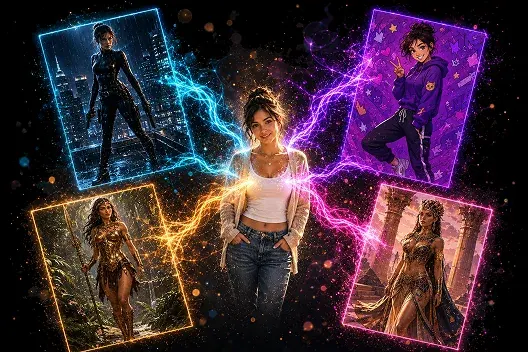
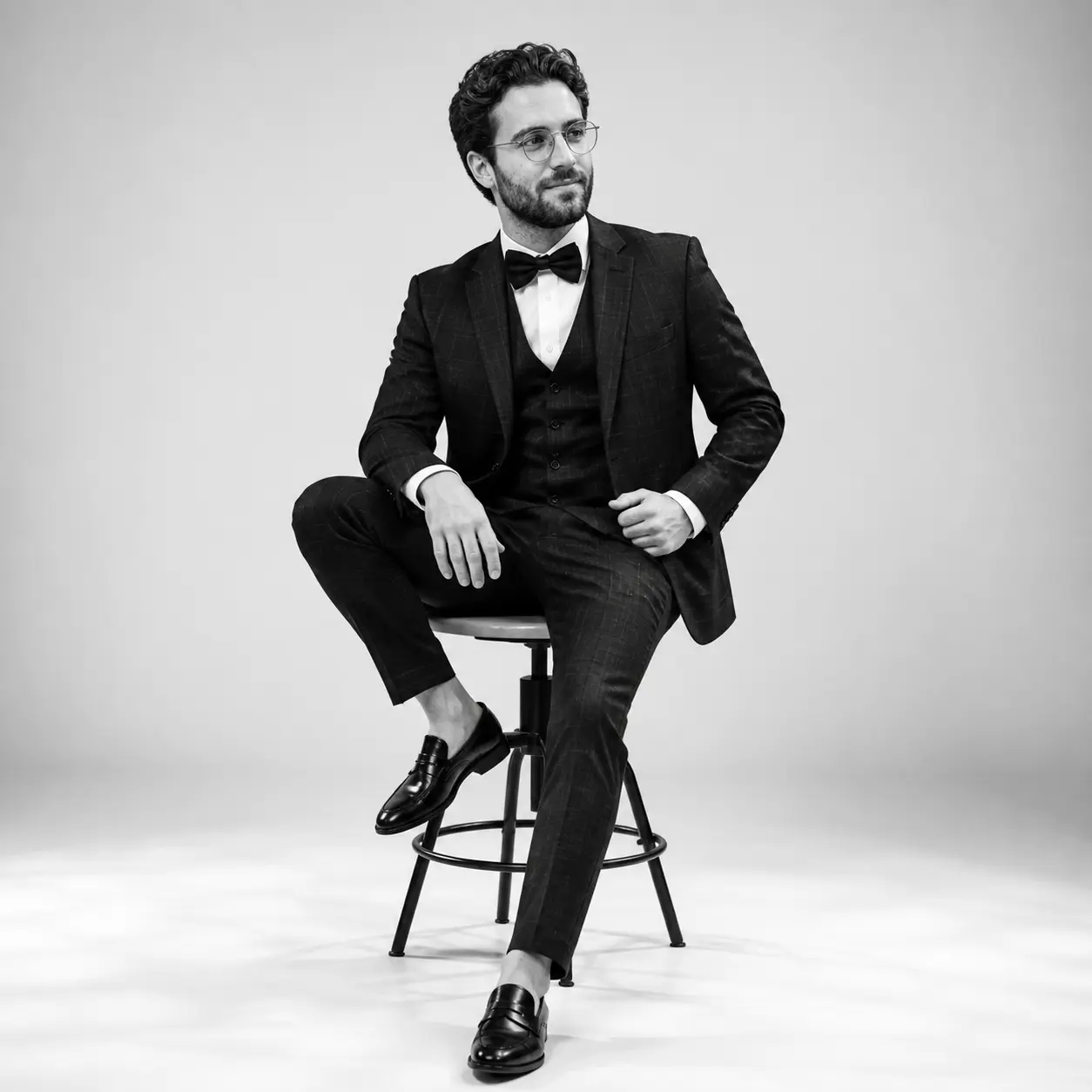
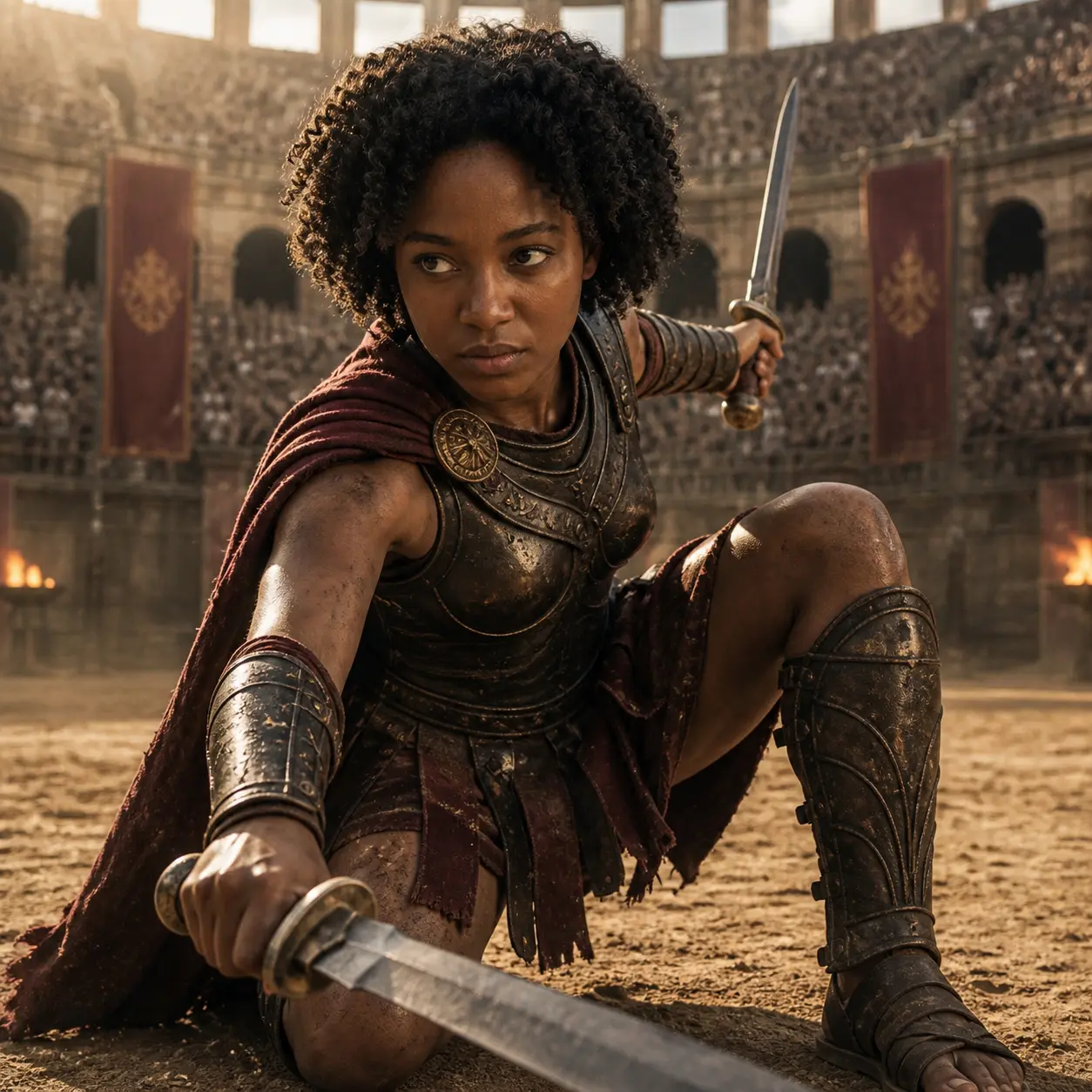
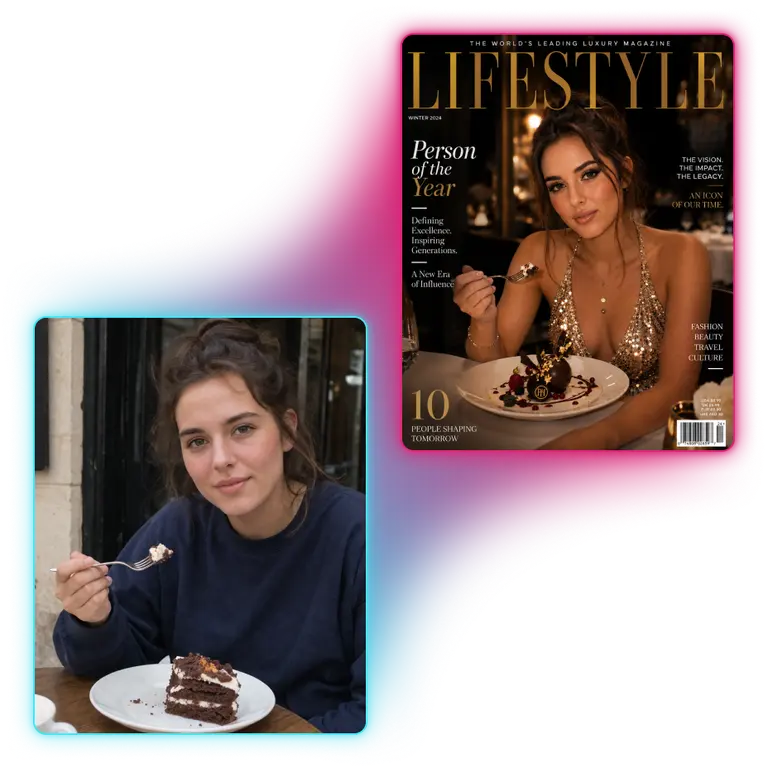
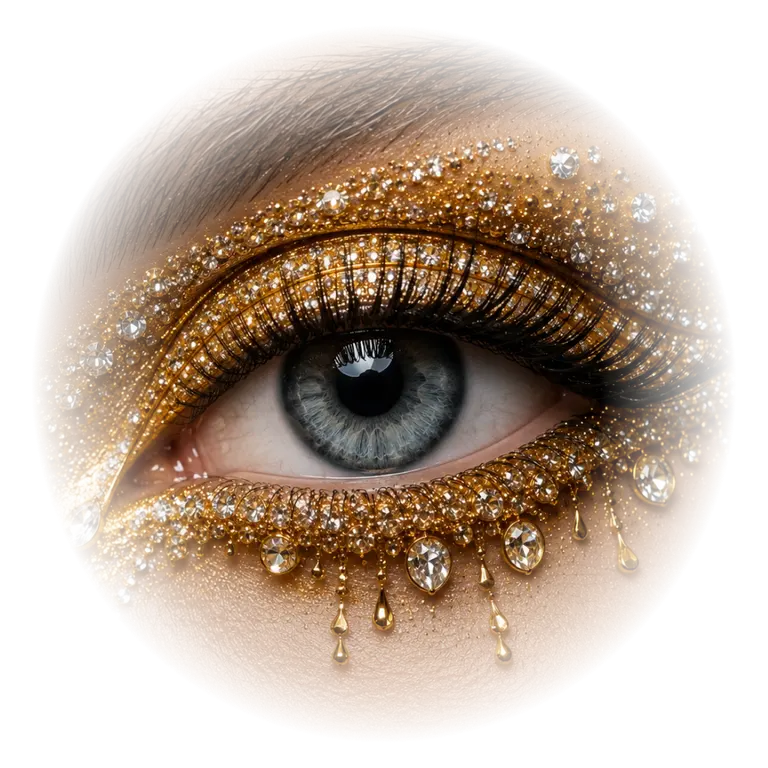
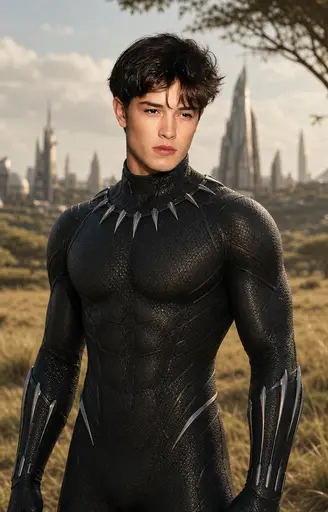
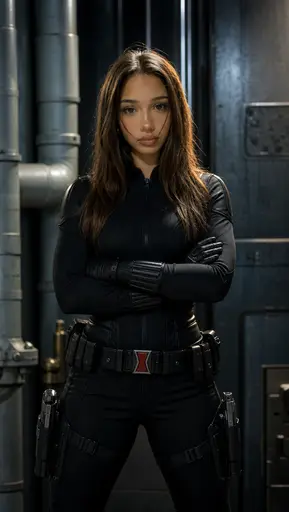
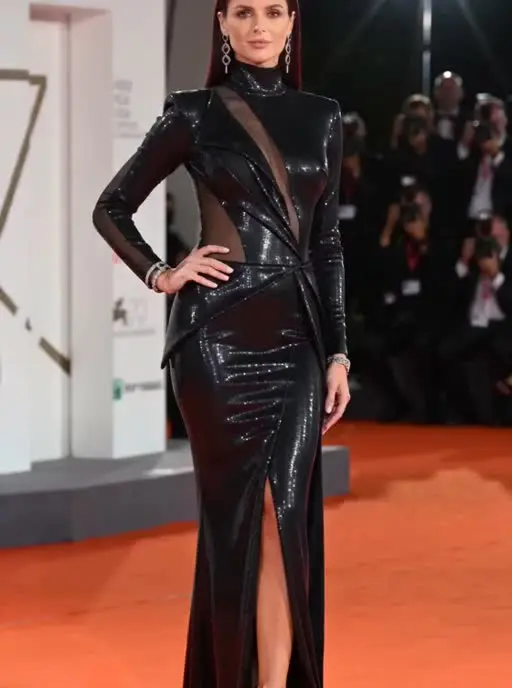
Your photo at the centre of five AI-generated portraits — superhero, anime, fantasy and glamour styles — linked by neon light trails
Best AI video app 2026

AI VIDEO

AI PHOTO

How to Create AI Photos and Videos with PhotoAI

1. Choose an AI Photo or Video Effect Browse PhotoAI’s AI photo and AI video effects and select the transformation that matches the result you want to create.
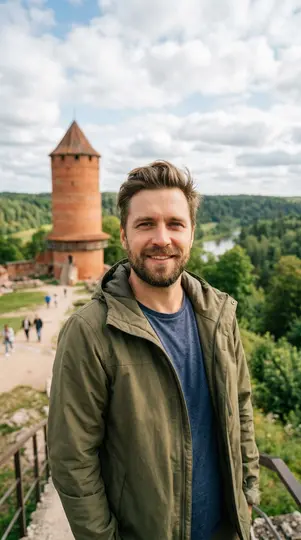
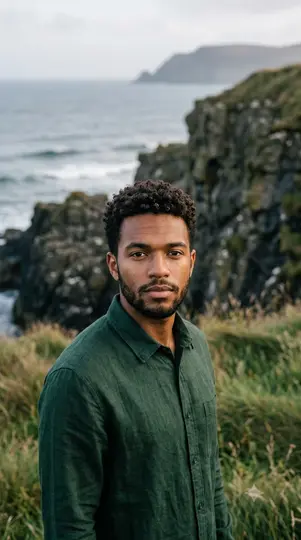
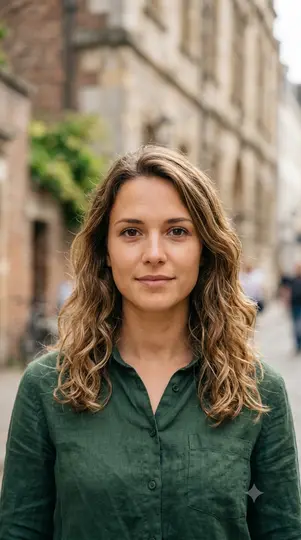
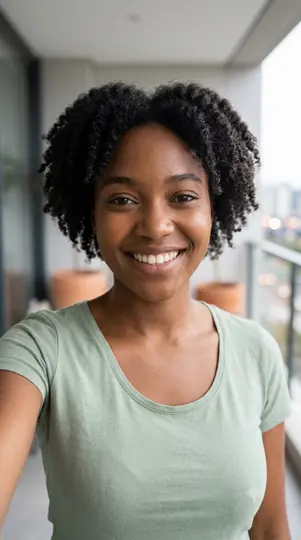
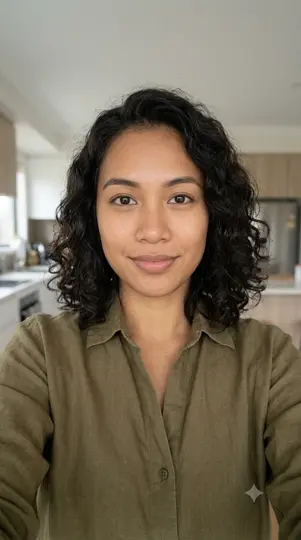
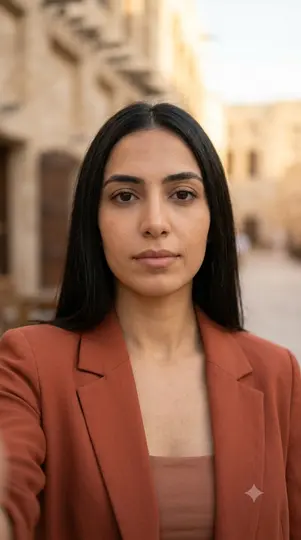
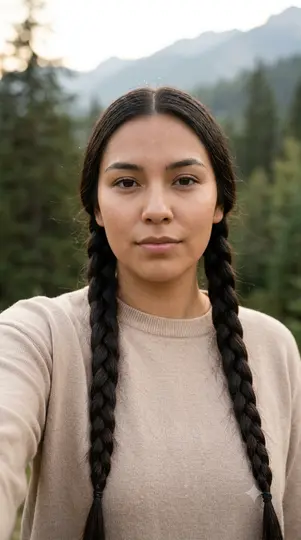
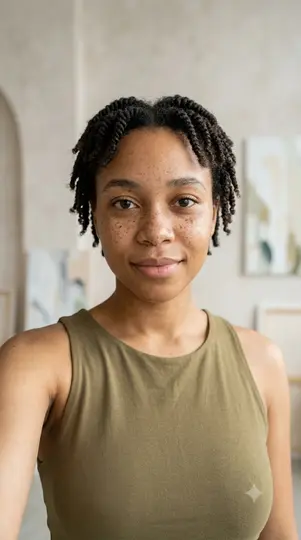
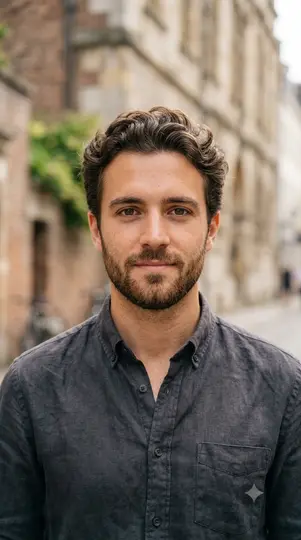
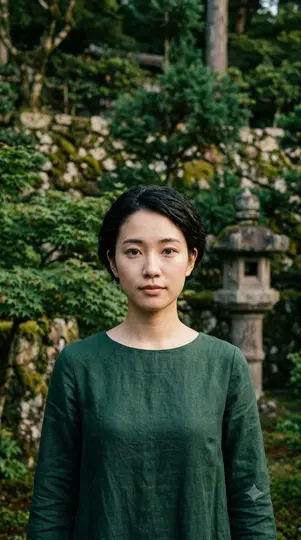
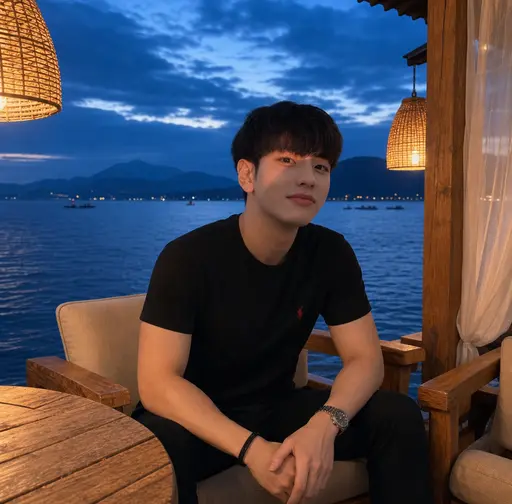
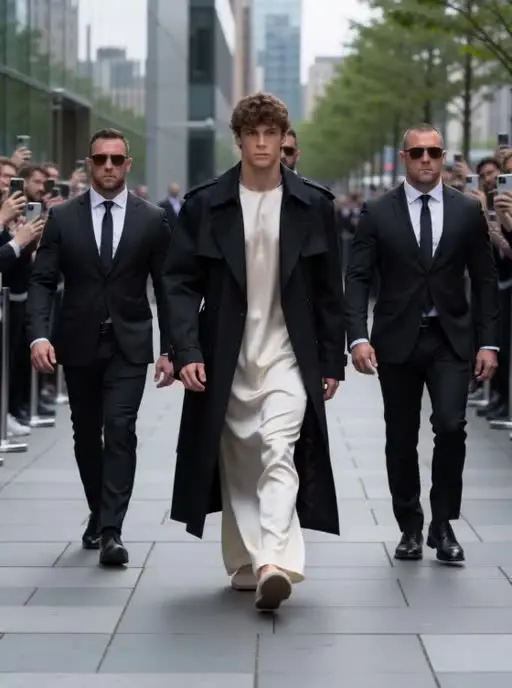
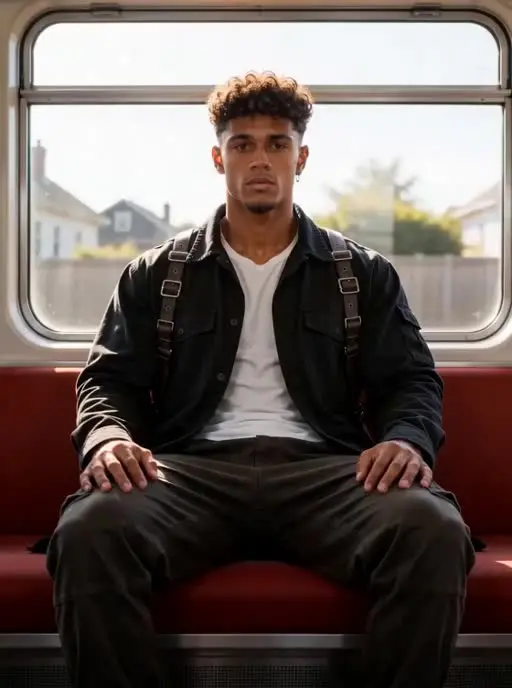
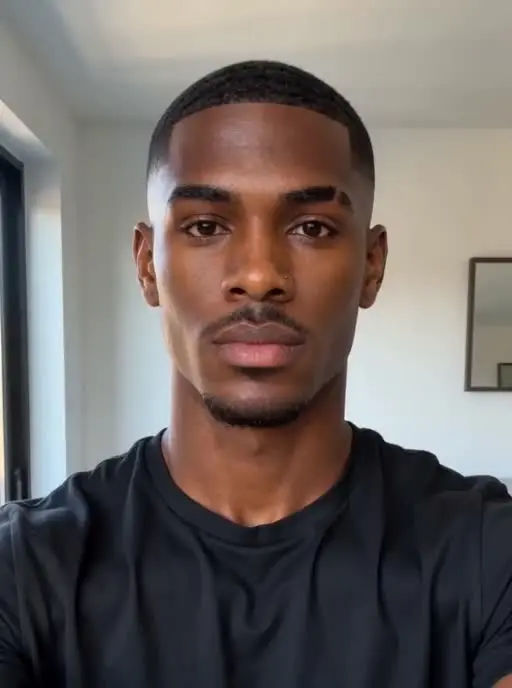
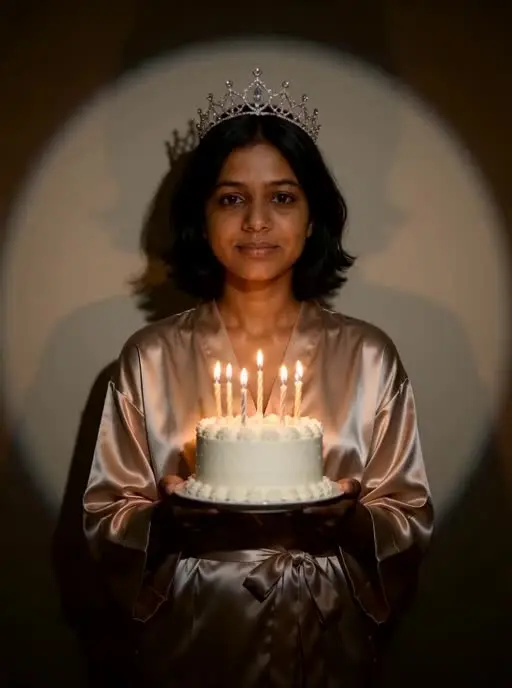
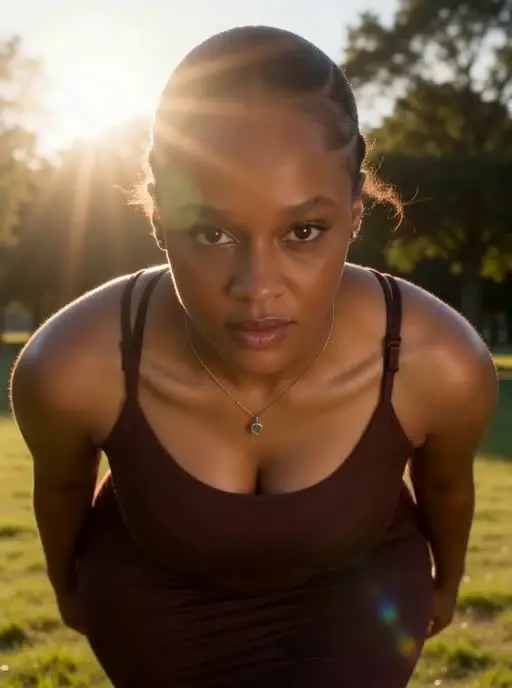
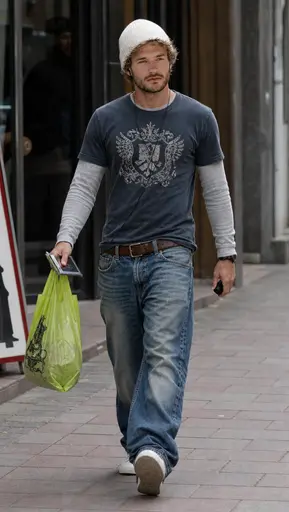
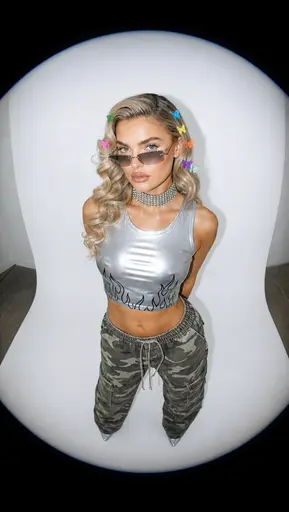
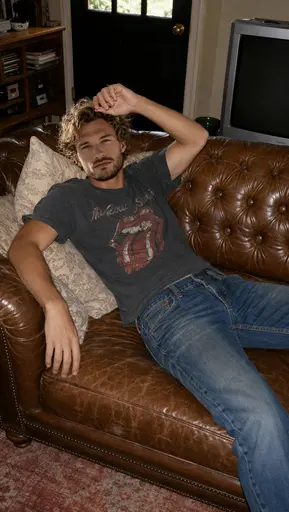
Example portrait upload 1 Example portrait upload 2 Example portrait upload 3 Example portrait upload 4 Example portrait upload 5 Example portrait upload 6 Example portrait upload 7 Example portrait upload 8 Example portrait upload 9 Example portrait upload 10

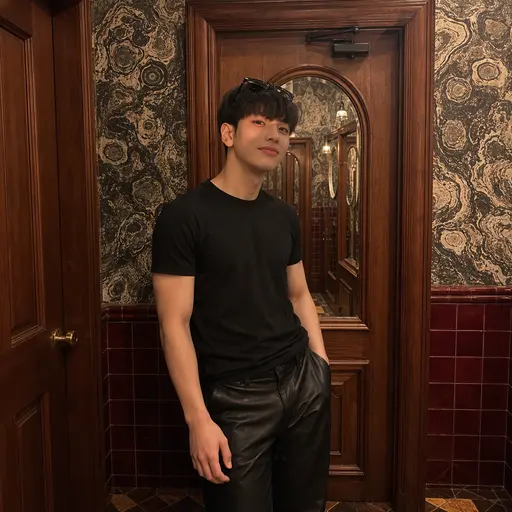
2. Upload a Clear Photo Choose a clear image with the subject easy to recognize. A strong source image gives the AI better visual information for faces, hair, clothing, proportions and background details.

Professional headshot Dating Royal YouTube thumbnail Autumn Christmas

3. Generate and Review Your Result Generate your AI photo or video, review important details and try another version when you want a different composition, movement or style.
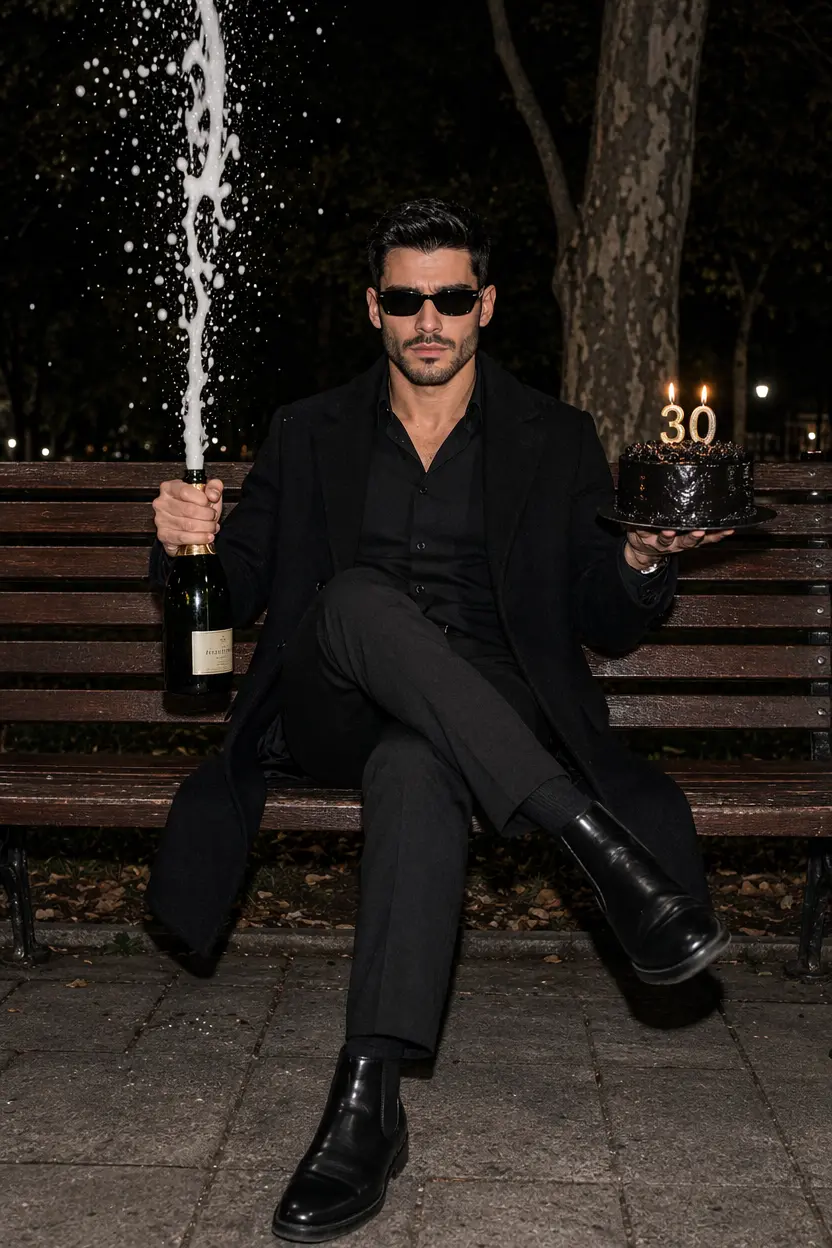
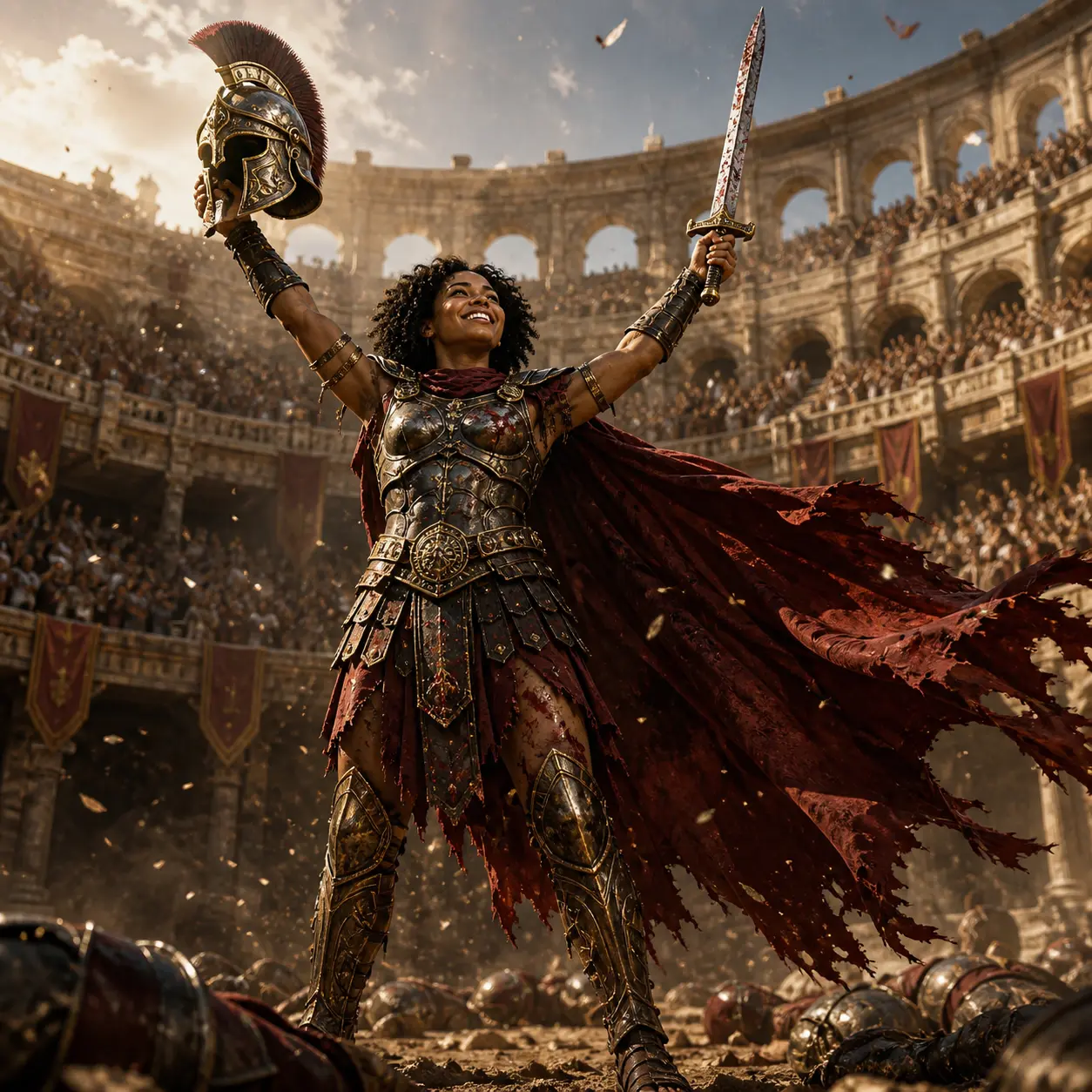
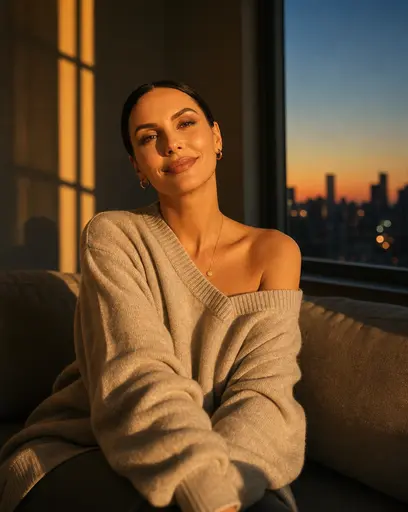
AI photo generated with PhotoAI

Photo AI FAQ

What is Photo AI?

Photo AI uses artificial intelligence to create or change photos. With PhotoAI, you can make AI photos and short AI videos from your images.

What can I do with PhotoAI?

You can try AI photo styles, image effects, transformations and AI video effects from one platform.

What should I check before sharing?

Check the face, hands, body, clothes, background and movement to make sure the final result looks right.

How does PhotoAI work?

Choose an effect, upload a photo and let the AI generate a new image or video for you.

Do I need editing skills?

No. You do not need Photoshop or video editing experience. Choose an effect and PhotoAI handles the transformation.

Can I turn a photo into an AI video?

Yes. PhotoAI includes photo-to-video effects that create short AI videos from a still photo.

What photo should I upload?

Use a clear, well-lit photo where the person or main subject is easy to see.

Can I create more than one version?

Yes. You can generate different versions and choose the result you like best.

Can I use PhotoAI for social media?

Yes. You can create AI photos and videos for posts, stories, profile content, memes and creative trends.

Why can AI results look different?

AI generation can vary each time. Faces, hands, hair, backgrounds and movement may look slightly different between versions.

Why Choose PhotoAI for AI Photos and Videos?

What Is Photo AI?

Photo AI is the use of artificial intelligence to generate, restyle and transform visual content from photos. Instead of editing every detail manually, AI models analyze the source image and create a new visual result based on the selected effect. PhotoAI brings AI photo generation and photo-to-video effects together, making it easier to experiment with portraits, styles, transformations and short-form video from one platform.

What PhotoAI Users Like

  • Super easy and convenient to use. Definitely one of the best platforms I’ve found for creating AI photos.
    Alex A.
    Chatgpt image sep 3, 2026 at 07 55 37 pm (1)
  • I definitely recommend PhotoAI. I originally came here to try one trending photo style, but ended up finding dozens of other cool trends to experiment with.
    May L.
    Chatgpt image sep 3, 2026 at 07 55 37 pm (2)
  • The results were honestly better than I expected. I didn’t think PhotoAI could create images that look this realistic — some of them look almost like real photos.
    Anna R.
    Chatgpt image sep 3, 2026 at 07 55 37 pm (2)