
November 4, 2023
如何拍摄专业头像
学习如何为您的Linkedin和简历拍摄专业头像。
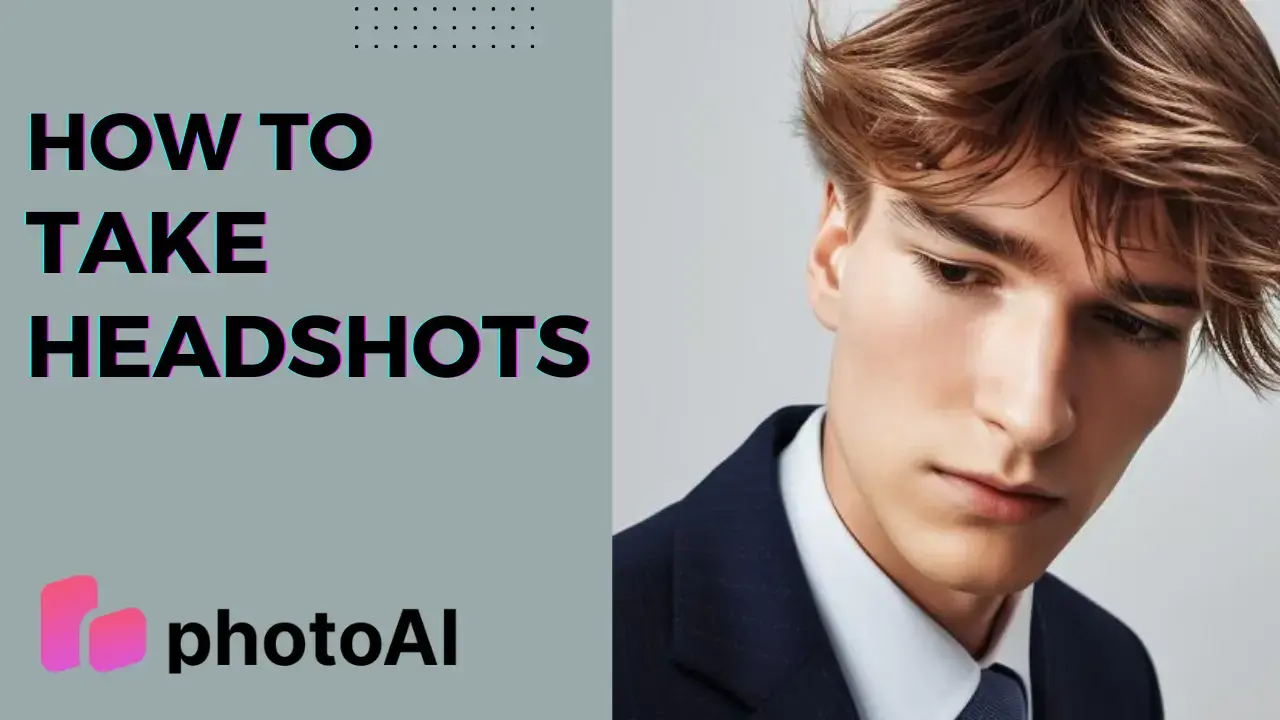
如今,网络和个人品牌非常重要。拥有正确的形象可以带来巨大的差异。这对于您的LinkedIn个人资料和简历尤其如此。您选择的头像传达了您个性、能力和专业性的许多信息。但挑战在于创造完美的头像。那么,让我们深入了解如何成功拍摄头像,以及Photo AI如何提供帮助。
DIY头像拍摄
您的Linkedin个人资料是您的数字名片。它展示了您的技能、经验和职业历程。但即使是最令人印象深刻的LinkedIn个人资料,如果您的头像不专业,也很容易被忽视。以下是一些自己创建好头像的技巧:
光线是关键:寻找一个光线充足的自然光区域。避免直射阳光:它会造成强烈的阴影。柔和、散射的光线最适合这种拍摄。将自己面向光源,以创造出令人满意的照片。
背景很重要:选择一个干净、整洁的背景。简单的墙壁或中性色的背景是理想的选择。
相机设置:如果您使用智能手机,请确保其设置为最高分辨率。使用三脚架以保持稳定,并使用定时器或遥控器进行免提拍摄。
构图:从胸部以上构图,聚焦于您的脸。保持良好的姿势,并将您的脸置于画面的中心。将相机保持在眼平线高度,以获得自然的视角。
服装选择:穿着适合您行业的专业服装。选择细微的图案和中性色,以避免分散注意力。
表情:用放松、真诚的微笑展现自信和亲和力。您的眼神应该引人注目且友好。
虽然在家拍摄头像并不是一个坏选择,但有一种方法可以更快地创建您的头像!只需几个小时,您将以最小的努力获得100多个Linkedin头像!
来自Photo AI的头像
现在,让我们探索如何使用Photo AI创建专业头像。该服务提供LinkedIn照片包,非常适合打造令人印象深刻的在线形象。
1. 选择您最好的照片:首先选择最能代表您的照片。Photo AI的LinkedIn包确保您获得自然且专业的照片选择。
2. 上传您的图片:将所选照片上传到Photo AI平台。我们的先进AI算法将开始工作。
3. 选择最佳照片:仅需几个小时,您将收到超过100张AI图像,您可以用于您的LinkedIn个人资料。选择您认为真正代表您和您的职业历程的照片。
使用Photo AI LinkedIn照片包,您将获得令人惊艳的图像,可以为您的LinkedIn个人资料提供所需的提升。请记住,您的职业历程始于您的数字存在。让它变得重要。